Easypaisa Code for Jazz – How to Use Easypaisa on a Jazz SIM in 2026
Easypaisa Code for Jazz
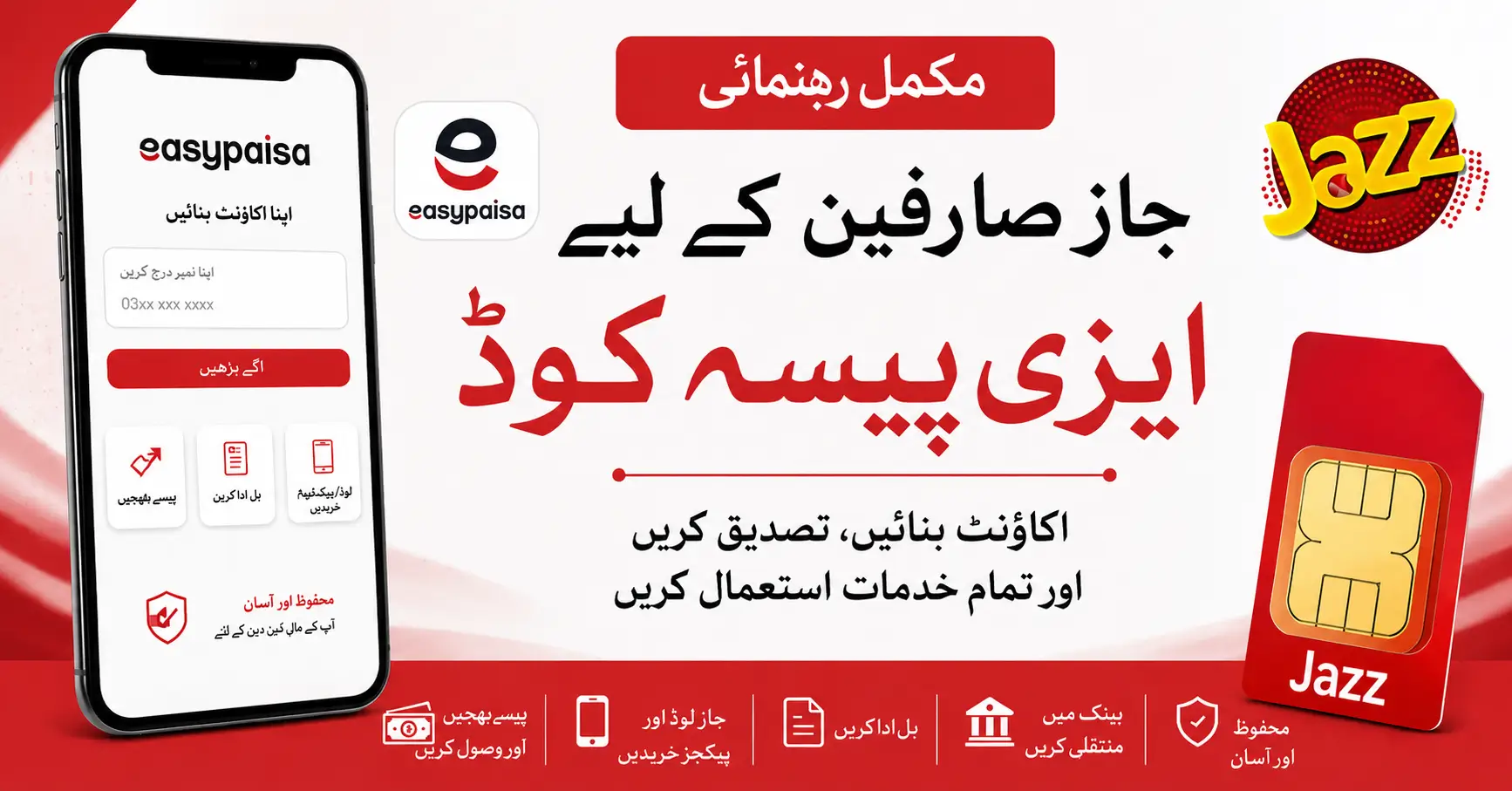
If you have a Jazz SIM and are searching for the Easypaisa code for Jazz, you are probably looking for a simple way to use Easypaisa on your number. Many people still search for a code because mobile wallets were commonly accessed through USSD services. However, the easiest way for most Jazz users today is to use the Easypaisa app.
In this guide, we will explain how a Jazz user can create or access an Easypaisa account, what to do if you are looking for a USSD code, and how to check whether your number already has an account.
Easypaisa Code for Jazz
There is an important thing to understand before looking for an Easypaisa code for Jazz. The code or method can depend on the service you want to use. For example, you may be trying to:
- Create a new Easypaisa account
- Log in to an existing account
- Check your account
- Send money
- Buy Jazz load
- Pay a bill
So, there is no need to search for different random codes online without knowing what they actually do. For most users with a smartphone, the Easypaisa app is the simplest option.
Can Jazz Users Use Easypaisa?
Yes, a Jazz user can use Easypaisa. You can register with your active Jazz mobile number and complete the required verification process. Once your account is ready, you can use the available Easypaisa services from your phone. Depending on your account and the services available, you may be able to:
- Send and receive money
- Buy mobile load
- Subscribe to mobile packages
- Pay utility bills
- Transfer money to a bank
- Make online payments
- Check your transaction history
How to Create an Easypaisa Account with a Jazz SIM
Creating an Easypaisa account with a Jazz number is quite simple.
Step 1: Install the Easypaisa App
Download the official Easypaisa app on your Android or iPhone.
Step 2: Enter Your Jazz Number
Open the app and enter the Jazz number you want to use.
Make sure the SIM is active and available with you because you may need to receive a verification code.
Step 3: Verify Your Number
Enter the OTP sent to your mobile number.
Step 4: Complete the Required Details
Follow the instructions shown in the app and provide the required information.
Step 5: Set Your PIN
Create a secure PIN for your account.
Do not share your PIN or OTP with anyone, even if someone claims to be calling from Easypaisa.
Easypaisa USSD Code for Jazz
Many users specifically search for an Easypaisa USSD code for Jazz, especially those who use a simple keypad phone. USSD services and access methods can change over time. Also, a code that works on one network may not work in the same way on another network.
For this reason, if you find an old Easypaisa code on Google, do not assume that it will still work with your Jazz SIM. If you are using a smartphone, the Easypaisa app is generally the easier option because you can see your account, available services, and transaction details in one place.
Easypaisa Account Check Code for Jazz
If you are searching for an Easypaisa account check code for Jazz, you may simply want to know whether an Easypaisa account is already registered on your number. An easy way to check is through the Easypaisa app.
Enter your Jazz number and continue with the login or registration process. The app will guide you according to the status of your number. If an account already exists, you may be asked to log in or recover access. If there is no account, you can continue with registration.
Easypaisa Code for Jazz Number – What Can You Do?
Once your Jazz number is registered with Easypaisa, you can access different services without visiting a shop for every small transaction.
For example, you can use your account for:
Sending Money
You can send money to another person using the available transfer options.
Mobile Load and Packages
You can recharge your Jazz number or another supported mobile number directly from your Easypaisa account.
Bill Payments
Utility bills and other supported payments can be made through the app.
Bank Transfers
You can use available bank transfer options if they are supported by your account.
Online Payments
Easypaisa also provides payment options for supported online services and merchants.
What Should You Do If a Code Does Not Work?
Sometimes users dial a code they found on an old website, but nothing happens.
This can happen for several reasons:
- The code is outdated.
- The service is no longer available through USSD.
- The code only works on a specific network.
- The service has moved to the Easypaisa app.
- Your SIM or account does not meet the service requirements.
Instead of repeatedly dialing different codes, check the service through the Easypaisa app or contact official customer support.
Jazz WhatsApp Package Weekly 2026
Is Easypaisa Available Only for Telenor Users?
No. You do not need to assume that Easypaisa can only be used with one specific mobile network. Jazz users can also register and use supported Easypaisa services with their mobile numbers. The registration and verification process must be completed according to the current Easypaisa requirements.
Safety Tips for Easypaisa Users
Mobile wallet security is important. A few simple precautions can help protect your account.
- Never share your Easypaisa PIN.
- Never give your OTP to another person.
- Do not trust random calls asking for account details.
- Avoid suspicious links sent through SMS or WhatsApp.
- Always check the recipient’s details before sending money.
- Use the official Easypaisa app.
- Keep your Jazz SIM secure.
Remember that your PIN and OTP can give someone access to your account. Keep them private.
Frequently Asked Questions
What is the Easypaisa code for Jazz?
The answer depends on the service you want to use. For most Jazz users with a smartphone, the Easypaisa app is the easiest way to create and manage an account.
Can I create an Easypaisa account with a Jazz SIM?
Yes. You can use an eligible Jazz number and follow the Easypaisa registration and verification process.
Is there an Easypaisa USSD code for Jazz users?
USSD access can change, and not every code works the same way across different mobile networks. It is better to confirm the latest method before using any code found online.
How can I check if my Jazz number already has an Easypaisa account?
Open the Easypaisa app, enter your Jazz number, and follow the login or registration process. You will be guided according to your account status.
Can I buy Jazz load through Easypaisa?
Yes, supported mobile load and package options are available through Easypaisa.
Is it safe to use Easypaisa with a Jazz number?
Yes, but you should protect your PIN, OTP, and SIM. Never share sensitive account information with anyone.
Final Words
The Easypaisa code for Jazz is a popular search term, but many users are actually looking for a way to access Easypaisa with their Jazz SIM.
If you have a smartphone, using the Easypaisa app is usually the simplest way to register, manage your account, send money, buy load, and make payments.
If you are specifically looking for a USSD code, always confirm that the code is current and supported before using it. This will help you avoid outdated information and use the correct Easypaisa service for your Jazz number.