How to Check Jazz Balance, MBs & Remaining Minutes (2026 Guide)
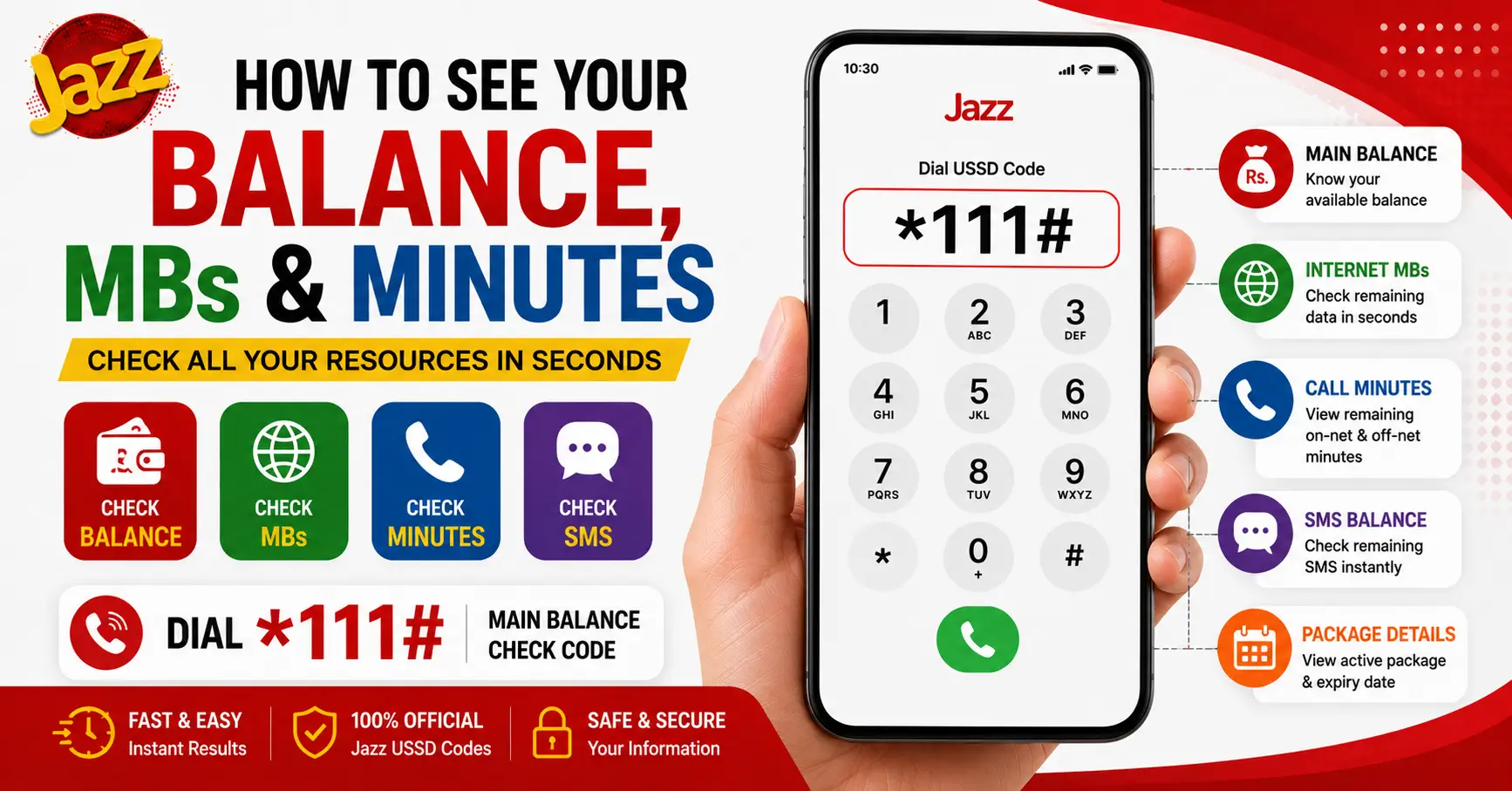
How to See Your Balance, MBs & Minutes
Jazz balance check is one of the most common tasks for prepaid users in Pakistan. Whether you want to see your remaining balance, internet MBs, call minutes, SMS or active package details, Jazz provides several easy methods to check everything within seconds.
Jazz Balance Check Code
- 💰 Main Balance Check
- 📅 Available 24 Hours
You can use USSD codes, the MyJazz App, SMS services, or package-specific codes depending on what you want to check. Knowing your remaining resources helps you avoid unexpected balance deductions and ensures you stay connected without interruptions.
In this guide, you’ll learn how to perform a Jazz balance check, monitor your remaining MBs and minutes, view active bundles, troubleshoot common issues, and find answers to the most frequently asked questions.
Jazz Balance Check Code (Main Balance)
The fastest way to perform a Jazz balance check is by dialing the official balance inquiry code from your Jazz prepaid SIM.
Steps to Check Your Jazz Balance
- Open your phone’s dialer.
- Dial *111#.
- Press the call button.
- Your remaining balance will appear on the screen instantly.
Important Notes
- Standard service charges may apply for balance inquiries.
- The code works on both feature phones and smartphones.
- Internet access is not required.
- Make sure your Jazz SIM is active.
Using the official Jazz balance check code is the quickest way to know your available credit before making calls, sending SMS, or activating a package.
How to Check Remaining MBs / Internet Data
If you’ve subscribed to a Jazz internet package, you can check your remaining data through the package status code or the MyJazz App.
Common Ways to Check Remaining MBs
- Use your package’s official status code.
- Open the MyJazz App to view your remaining internet.
- Check the confirmation SMS received after package activation.
- Some internet bundles also display remaining MBs through their dedicated status codes.
Why You Should Check Your Remaining Data
- Avoid running out of internet unexpectedly.
- Prevent extra balance deductions after your package expires.
- Track daily or monthly usage more effectively.
The MyJazz App provides the most detailed information, including:
- Remaining MBs
- Package validity
- Expiry date
- Data usage history
How to Check Remaining Call Minutes
If you’re subscribed to a Jazz call package, you can easily monitor your remaining minutes before they expire.
You can check:
- On-net Jazz minutes
- Off-net minutes (if included)
- Remaining validity of your package
The easiest method is to use your package’s official status code or view the details inside the MyJazz App.
Keeping track of your remaining call minutes helps prevent unnecessary balance deductions once your bundle finishes.
How to Check Your Active Package Details
Jazz allows users to view their currently active packages, including internet, call, SMS, and hybrid bundles.
Your active package details usually include:
| Information | Available |
|---|---|
| Package Name | ✔ |
| Remaining MBs | ✔ |
| Remaining Minutes | ✔ |
| Remaining SMS | ✔ |
| Expiry Date | ✔ |
| Package Validity | ✔ |
You can check these details through:
- MyJazz App
- Package status codes
- Confirmation SMS received after activation
Reviewing your active packages regularly helps you avoid activating duplicate bundles and lets you manage your usage efficiently.
Checking Balance Through the MyJazz App
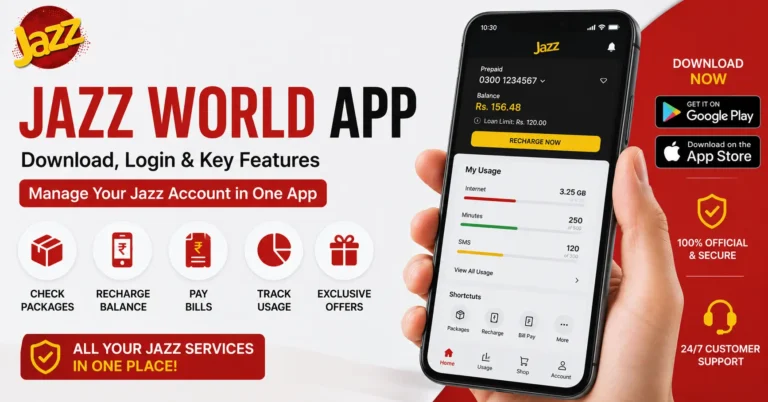
The MyJazz App is the easiest way to monitor all your Jazz services from one place.
Features of the MyJazz App
- View current balance
- Check remaining MBs
- Check remaining minutes
- Check remaining SMS
- View active packages
- Activate new offers
- Recharge balance
- View package expiry dates
How to Use the MyJazz App
- Install the MyJazz App from your device’s app store.
- Log in using your Jazz number.
- Open the dashboard.
- Your balance and remaining resources will appear automatically.
The app provides real-time updates and eliminates the need to remember multiple USSD codes.
Checking Balance Through SMS
Some Jazz services allow customers to receive account or package information through SMS.
Typically, you can:
- Receive package confirmation messages after activation.
- Get balance-related notifications.
- Receive expiry alerts for subscribed bundles.
Keeping these SMS messages can be helpful because they often contain:
- Package name
- Remaining validity
- Subscription details
- Important service information
For the most up-to-date account information, using the MyJazz App or official USSD codes is generally more convenient.
What to Do If the Code Doesn’t Respond
Sometimes the Jazz balance check code may not work immediately. This can happen due to temporary network issues or SIM-related problems.
Try the following steps:
- Ensure you have network coverage.
- Restart your mobile phone.
- Reinsert your Jazz SIM.
- Verify that your SIM is active.
- Try again after a few minutes.
- Use the MyJazz App as an alternative.
- Contact Jazz Customer Care if the issue continues.
Common reasons include:
- Temporary network congestion
- SIM registration issues
- USSD service interruptions
- Software glitches on the device
Most issues are resolved after retrying or restarting the phone.
FAQs
1. What is the code to check Jazz main balance?
Dial *111# from your Jazz prepaid SIM to check your main balance (standard charges may apply).
2. How do I check my remaining internet MBs on Jazz?
Check your remaining MBs using your package’s status code or through the MyJazz App.
3. Why does my Jazz balance check code show ‘invalid request’?
This usually happens due to network issues, an inactive SIM, or dialing an incorrect USSD code.
4. Can I check my Jazz balance without internet?
Yes, simply dial *111# to check your Jazz balance without an internet connection.
5. How do I check someone else’s Jazz balance (family package)?
You cannot check another person’s balance directly unless the family package supports shared usage through the primary account holder.
Last Updated: July 2026
Disclaimer:Package details, balance inquiry charges, USSD codes, activation methods, and offer validity are subject to change at any time by Jazz. While we strive to keep this information accurate and up to date, we recommend verifying the latest details through the official Jazz website, the MyJazz App, or Jazz Customer Care before activating any package or relying on the information provided.