How to Make a JazzCash Account 2026: Step-by-Step Registration Guide
How to Make a JazzCash Account
If you’re searching for how to make a JazzCash account, you’ve come to the right place. JazzCash is one of Pakistan’s most popular mobile wallets, allowing users to send money, receive payments, pay utility bills, purchase mobile packages, and shop online without visiting a bank.
Creating a JazzCash account is quick and straightforward. Whether you have an Android phone, an iPhone, or a basic keypad phone, you can register within a few minutes by following the correct process.
This guide explains everything you need to know, including eligibility, required documents, registration methods, KYC requirements, common registration problems, and security information.
What Is JazzCash? (SBP-Regulated Mobile Wallet, Not the Same as Jazz Balance)
JazzCash is a digital mobile wallet regulated by the State Bank of Pakistan (SBP). It enables users to perform financial transactions directly from their mobile phones without needing a traditional bank account.
Using JazzCash, you can:
- Send money anywhere in Pakistan
- Receive payments instantly
- Pay electricity, gas, water, and internet bills
- Buy mobile load and internet packages
- Shop online and pay merchants
- Receive salaries or freelance payments (where supported)
- Withdraw cash through JazzCash agents or ATMs (depending on account type)
Important: JazzCash is not the same as your Jazz mobile balance.
| Jazz Mobile Balance | JazzCash Wallet |
|---|---|
| Used for calls, SMS, and mobile data | Used for financial transactions |
| Managed by your mobile account | Managed as a secure mobile wallet |
| Cannot be used like a bank account | Functions similarly to a digital banking wallet |
Your mobile balance and JazzCash wallet remain completely separate.
Documents Required to Open an Account
Before starting the registration process, make sure you have the following:
- Valid CNIC issued by NADRA
- Active mobile number
- Mobile phone (smartphone or feature phone)
- Internet connection (for app registration)
- Ability to receive OTP verification SMS
For Full KYC verification, you may also need:
- Biometric verification
- Additional identity verification if requested
- Updated CNIC information
Always ensure your CNIC is valid because expired identification may prevent successful registration.
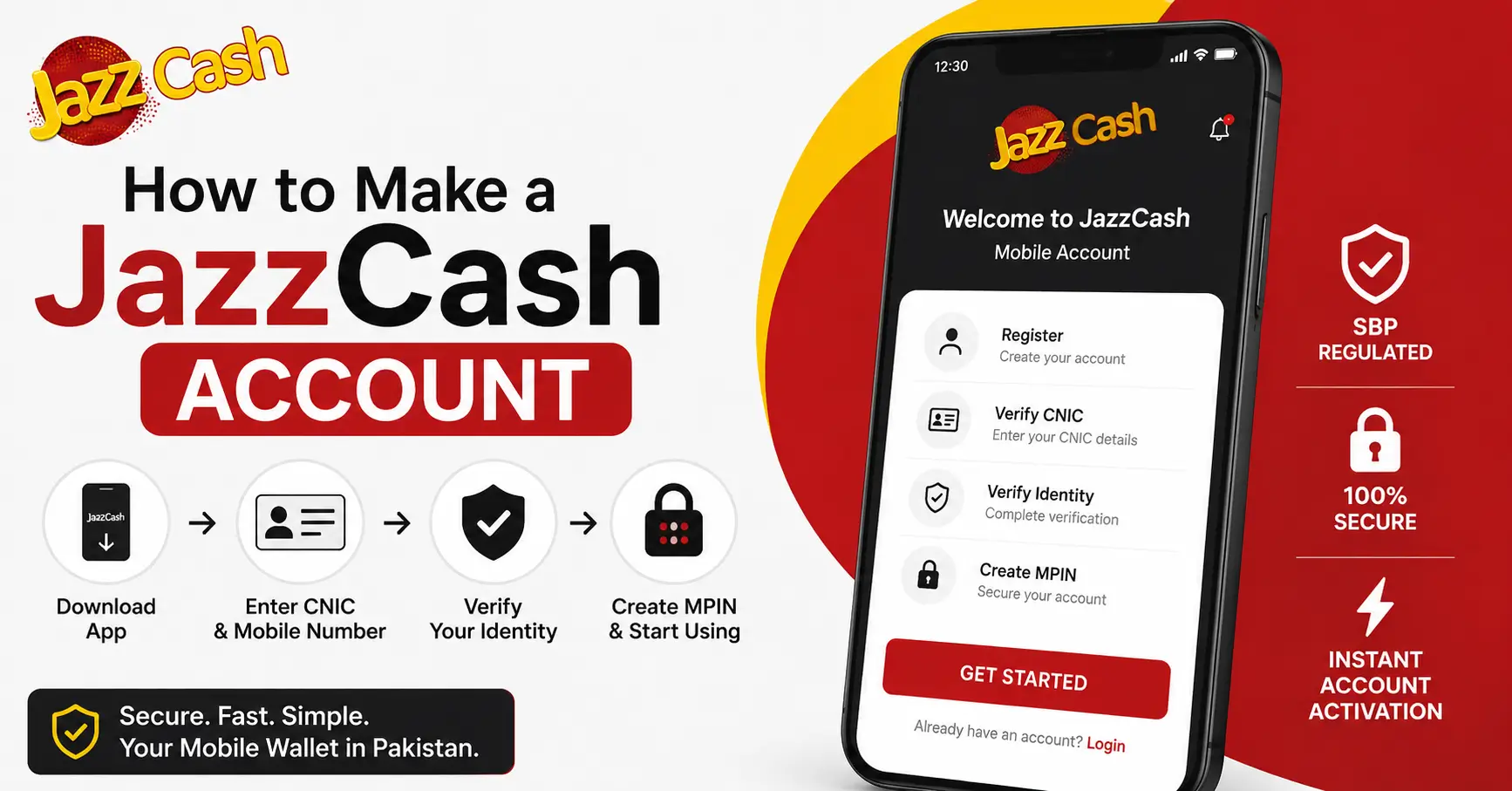
Step-by-Step Registration (App Method)
The JazzCash mobile app offers the easiest way to create an account.
Step 1
Download the official JazzCash App from:
- Google Play Store
- Apple App Store
Always install the official application published by JazzCash.
Step 2
Open the application and tap Register or Create Account.
Step 3
Enter your:
- Mobile number
- CNIC number
- Required personal information
Verify your mobile number using the OTP sent via SMS.
Step 4
Create a secure MPIN.
Choose a PIN that:
- Is difficult to guess
- Is not your birth date
- Is not your CNIC number
- Is known only to you
Step 5
Complete the identity verification process as instructed.
Once verification is successful, your JazzCash account will be activated and ready for use.
Step-by-Step Registration (USSD Method — No Smartphone Needed)
You do not need a smartphone to create a JazzCash account.
Users with basic feature phones can register through the USSD service.
The general process includes:
- Dial the official JazzCash registration USSD code available for your mobile network.
- Follow the on-screen instructions.
- Enter your CNIC details when requested.
- Verify your identity through the confirmation process.
- Create your secure MPIN.
- Complete the registration.
After successful verification, your JazzCash wallet becomes active.
Note: Registration steps and USSD codes may change over time. Always confirm the latest instructions through the official JazzCash website, mobile app, or customer support.
Basic vs Full KYC Account — What’s the Difference
JazzCash offers different account levels based on customer verification.
| Feature | Basic KYC | Full KYC |
|---|---|---|
| Registration | Simple | Complete verification |
| Transaction Limits | Lower | Higher |
| Wallet Features | Limited | More complete features |
| Verification | Basic identity verification | Full identity and biometric verification |
| Suitable For | Casual users | Frequent users and businesses |
Basic KYC
A Basic account is suitable for users who perform occasional transactions with lower limits.
Full KYC
A Full KYC account provides:
- Higher transaction limits
- Better access to JazzCash services
- Improved account security
- Eligibility for additional financial services (where available)
If you regularly send or receive money, Full KYC is generally the better option.
Common Registration Errors & Fixes
Sometimes users experience issues during registration. Here are some common problems and possible solutions.
| Problem | Possible Solution |
|---|---|
| OTP not received | Wait a few minutes, check network signal, request a new OTP |
| Invalid CNIC | Verify the CNIC number and ensure it hasn’t expired |
| Verification failed | Retry later or contact JazzCash support |
| App not working | Update the app to the latest version |
| Registration unsuccessful | Restart the phone and try again |
If the issue continues, contact official JazzCash customer support for assistance.
Is JazzCash Safe? (Security & Regulation)
Yes. JazzCash is considered one of Pakistan’s trusted digital financial services.
The platform follows security standards and operates under the regulatory oversight of the State Bank of Pakistan (SBP).
To keep your account secure:
- Never share your MPIN.
- Never disclose OTP codes.
- Use a strong PIN.
- Keep the JazzCash app updated.
- Ignore suspicious calls or messages requesting account information.
- Report unauthorized activity immediately.
Good security habits significantly reduce the risk of fraud.
Frequently Asked Questions
1. What documents do I need to open a JazzCash account?
You generally need a valid NADRA-issued CNIC and an active mobile number. Depending on the account type, additional identity verification or biometric verification may also be required.
2. Is JazzCash the same as my Jazz mobile balance?
No. JazzCash is a separate digital wallet used for financial transactions, while your Jazz mobile balance is only used for telecom services such as calls, SMS, and mobile data.
3. Can I open a JazzCash account on a non-Jazz SIM?
Yes. JazzCash supports registration on eligible mobile numbers from multiple networks, subject to the platform’s current policies and verification requirements.
4. What’s the difference between Basic and Full KYC JazzCash accounts?
A Basic KYC account has lower transaction limits and fewer available services. A Full KYC account offers higher limits, additional features, and enhanced functionality after completing full identity verification.
5. How do I upgrade from Basic to Full KYC?
You can upgrade by completing the required verification process through the JazzCash app or other official JazzCash verification channels. This may include biometric verification and additional identity checks.
6. Is JazzCash regulated by the State Bank of Pakistan?
Yes. JazzCash operates under the regulatory framework of the State Bank of Pakistan (SBP) and complies with applicable financial regulations and KYC requirements.
Disclaimer: Registration procedures, eligibility requirements, verification methods, account limits, and available features may change over time. Always verify the latest information through the official JazzCash website, the JazzCash App, or JazzCash Customer Support before registering or relying on any service details.